Microwaves are pretty handy, aren’t they? Pop something in, press a few buttons, and voilà – a warm meal or a drink ready in minutes. But what happens when yours decides to go on strike? A microwave that’s not working can really throw a wrench in your day. Luckily, many common microwave problems aren’t some deep, irreparable issue. Often, it’s something you can troubleshoot yourself with a few handy tips.
Table of Contents
- Power Supply Checks
- Is it Plugged In?
- The Door Latch System
- Resetting the Microwave
- When the Microwave Runs But Doesn’t Heat
- The Magnetron is Key
- High-Voltage Diode and Capacitor
- The Waveguide Cover
- Thermal Fuse
- Why is My Microwave Making Strange Noises?
- Turntable Motor Issues
- Fan Motor Problems
- Magnetron Hum Variations
- What to Do About Noises
- Microwave Sparks and Arcs: A Serious Warning
- Metallic Objects in the Microwave
- Damage to Interior Components
- What to Do About Arcing
- Microwave Not Heating Evenly
- The Rotating Turntable
- Microwave Distribution Issues
- Standing Waves and Cold Spots
- What to Try First
This guide is designed to help you figure out what’s going on with your microwave and, in many cases, get it back up and running without needing to call in a repair person or buy a whole new unit. We’ll walk through some of the most frequent culprits, from seemingly dead microwaves to those making strange noises, and give you practical steps to tackle them.
This is probably the most frustrating problem. You press the start button, and… nothing. No hum, no turntable spin, not even a light. Before you start panicking, let’s break down the usual suspects.
Power Supply Checks
This might sound obvious, but it’s the first and most critical thing to rule out.
Is it Plugged In?
Seriously, it happens to the best of us. Sometimes the plug just gets nudged out of the socket, especially if the cord is a bit stiff or you’ve moved the microwave recently. Give it a firm push back in.
Check the Outlet
Is the outlet itself working? Try plugging something else into the same socket – a lamp, a phone charger, anything to see if it gets power. If that item doesn’t work, the problem is with your outlet or circuit breaker, not the microwave.
Examine the Power Cord
Take a look at the microwave’s power cord. Is it frayed, cut, or damaged in any way? If you see any signs of damage, do not try to use the microwave. A damaged cord is a significant safety hazard and needs professional repair or replacement.
The Door Latch System
The microwave won’t operate unless it senses the door is properly closed and latched. This is a safety feature.
Inspect the Door Latches
Look at the door itself and the frame where it latches. You’ll usually see small plastic or metal hooks on the door that engage with corresponding slots or switches on the oven’s frame. Are any of these hooks broken, bent, or obstructed? Sometimes, a bit of dried food or debris can prevent the door from closing fully and engaging the safety switches.
Listen for the Click
When you close the door, do you hear a distinct “click” as it latches into place? If not, the latches might not be engaging properly. Try opening and closing the door a few times, ensuring it’s squarely and firmly shut.
Resetting the Microwave
Like many electronics, sometimes a simple reset can clear a temporary glitch.
Unplug for a Few Minutes
This is the “turn it off and on again” for appliances. Unplug the microwave from the wall outlet, wait for at least 5-10 minutes, and then plug it back in. This allows the internal electronics to discharge and reset.
If you’re experiencing issues with your microwave, you might find it helpful to read a related article that provides insights into appliance repair. This resource can guide you through common problems and their solutions, ensuring your microwave is back in working order in no time. For more detailed information, check out this article on appliance repair: Appliance Repair Guide.
When the Microwave Runs But Doesn’t Heat
This is a common and perplexing issue. The turntable might spin, the light comes on, you hear the familiar hum, but your food emerges stubbornly cold or lukewarm. This indicates the microwave is receiving power and its basic functions are working, but the core heating element isn’t doing its job.
The Magnetron is Key
The magnetron is the heart of your microwave. It’s the component that generates the microwaves that heat your food. If the magnetron fails, you get this exact symptom.
High-Voltage Diode and Capacitor
These components work in conjunction with the magnetron to deliver the high voltage needed for it to operate. If either of these fails or develops a fault, the magnetron won’t receive the necessary power.
The Waveguide Cover
This is a small, usually rectangular piece of material (often mica or a similar heat-resistant substance) located inside the microwave cavity, typically on one of the side walls. Its purpose is to protect the magnetron from food splatters and ensure that microwaves are distributed evenly.
Signs of Damage
If the waveguide cover is cracked, burnt, or has holes in it, it can affect the microwave’s heating efficiency and potentially damage the magnetron over time.
Cleaning and Replacement
While you can’t repair a burnt waveguide cover, you can often replace it. These are usually inexpensive and available from appliance parts suppliers. Make sure to get the correct part number for your microwave model. You can usually access it by unscrewing a small plate.
Thermal Fuse
Many microwaves have a thermal fuse that acts as a safety mechanism. If the microwave overheats, this fuse will blow, cutting off power to prevent further damage.
Suspect if Overheating Occurred
If your microwave recently shut off unexpectedly or seemed to be running very hot, a blown thermal fuse is a strong possibility.
Location and Replacement
Thermal fuses are often located near the magnetron or other high-heat components. Replacing them requires some disassembly and electrical knowledge. If you identify a blown fuse, it’s a good indicator that there might be an underlying issue causing overheating, so having a professional check it is advisable.
Why is My Microwave Making Strange Noises?
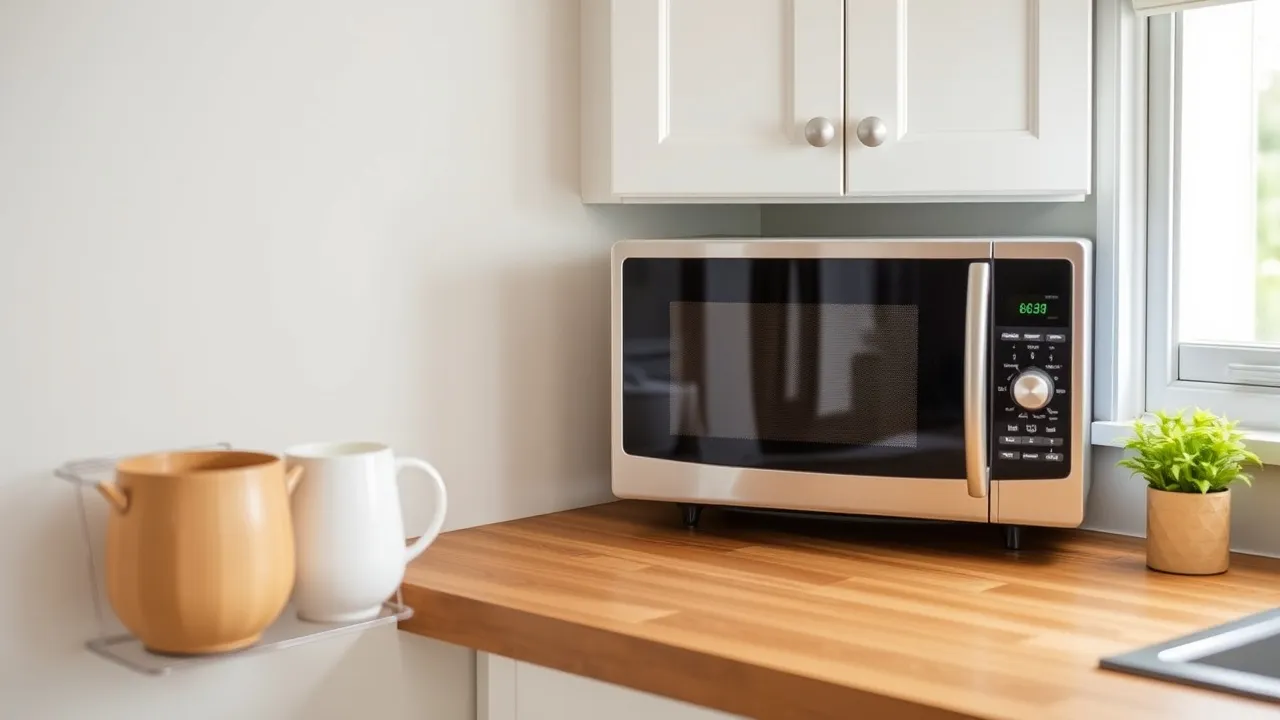
A healthy microwave usually hums. A healthy microwave usually doesn’t sound like a dying robot, a grinding machine, or a collection of loose gravel. Unusual noises are often a sign that something is loose, damaged, or out of alignment internally.
Turntable Motor Issues
The motor that spins the turntable can sometimes develop problems.
Grinding or Rumbling Sounds
If you hear intermittent grinding or rumbling sounds, especially when the turntable is supposed to be rotating, it could be the turntable motor. It might be obstructed, worn out, or the gears within it could be damaged.
Turntable Not Spinning
If the turntable isn’t spinning at all, but the motor is attempting to run (you might hear a faint whirring), the motor itself might have failed, or the coupling that connects it to the turntable support might be broken.
Fan Motor Problems
Microwaves have a cooling fan to prevent overheating. A malfunctioning fan can produce a variety of noises.
High-Pitched Whining or Squealing
A consistently high-pitched whine or squeal often points to a fan motor that’s starting to fail or has bearings that are drying out.
Rattling or Buzzing
A rattling or buzzing sound could mean the fan blades are hitting something, or the motor itself is loose and vibrating against its housing.
Magnetron Hum Variations
While a hum is normal, a change in its pitch or intensity can sometimes indicate an issue with the magnetron or its power supply.
Louder or Deeper Hum
If the hum suddenly becomes significantly louder, deeper, or sounds strained, it could be the magnetron struggling to produce microwaves, or an issue with the high-voltage transformer or capacitor.
Intermittent Humming
If the hum cuts in and out erratically, it might be a loose connection in the high-voltage circuit.
What to Do About Noises
For many of these noise issues, especially those related to motors or fans, access to the internal components is required. This means unscrewing panels, which can expose dangerous high-voltage parts. If you’re not comfortable with electrical work, it’s best to call a professional for diagnosis and repair.
Microwave Sparks and Arcs: A Serious Warning
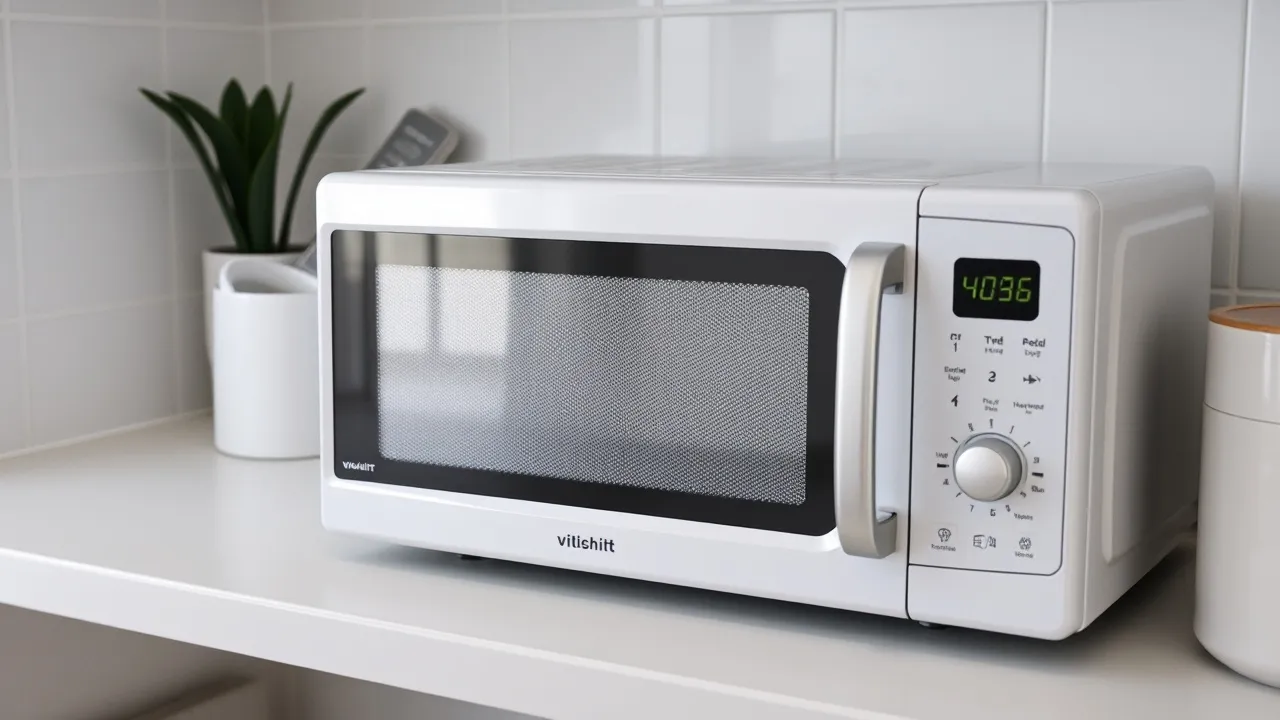
Seeing sparks or arcs inside your microwave is not normal and can be dangerous. It usually means something metallic is inside or that a component inside has failed. Stop using the microwave immediately if you observe arcing.
Metallic Objects in the Microwave
This is the most common cause of arcing for an otherwise functional microwave.
Not Just Forks and Spoons
While it’s common knowledge not to put actual cutlery in the microwave, even small metallic items can cause problems. Think about:
- Foil wrappers: Any leftover foil from food packaging.
- Twist ties: The metal part of twist ties used to seal bags.
- Metallic trim on dishes: Many “microwave-safe” dishes have a thin metallic band or design.
- Ramen noodle packets: Some contain a metallic liner.
- Staples: Leftover from packaging.
Remove and Inspect
Always check inside thoroughly and remove any suspected metallic items. If the arcing happened because of a metallic object, and the microwave seems otherwise fine, it might be safe to use after removal, but monitor it closely on its next use.
Damage to Interior Components
Internal electrical problems can also lead to arcing.
Waveguide Cover Damage
As mentioned earlier, a damaged waveguide cover can sometimes lead to arcing, as microwaves can escape and interact with metallic parts of the oven’s chassis.
Inverter Board or Transformer Issues
The inverter board (in newer inverter microwaves) or the high-voltage transformer can fail, causing erratic arcing. This is a more serious electrical fault.
Damaged Cavity Walls
In very rare cases, if the interior metal walls of the oven cavity themselves have been significantly scratched or dented down to the metal, it could potentially contribute to arcing, though this is less common.
What to Do About Arcing
If you’ve removed all potential metallic objects and the microwave continues to arc, do not use it. This indicates an internal electrical fault that could be a fire hazard. Professional repair is necessary.
If you’re experiencing issues with your microwave, it might be helpful to consult a related article that provides detailed guidance on appliance repair. For instance, you can find valuable tips on fixing various kitchen appliances, including microwaves, by visiting this helpful resource. This article offers insights that can assist you in troubleshooting common problems and ensuring your microwave operates efficiently again.
Microwave Not Heating Evenly
“`html
| Issue | Frequency | Average Repair Cost |
|---|---|---|
| Not Heating | High | 100 |
| Door Not Closing | Medium | 80 |
| Turntable Not Spinning | Low | 60 |
“`
You put your food in, and some parts are piping hot while others are still cold. This is a common annoyance that affects the eating experience. It’s usually not a sign of imminent failure, but it can be frustrating.
The Rotating Turntable
The turntable’s primary job is to rotate the food, ensuring it passes through the microwave’s heating waves evenly.
Turntable Not Working Properly
If the turntable isn’t spinning, or is spinning erratically, this is a primary cause of uneven heating. Refer back to the “strange noises” section for potential turntable motor issues.
Obstructions Around the Turntable
Make sure there’s nothing preventing the turntable from spinning freely. This could be a dish that’s too large, or an item that has fallen off the turntable and is jamming the roller guide.
Microwave Distribution Issues
Microwaves are generated in one spot and need to be distributed throughout the oven cavity to heat food evenly.
Waveguide Problems
The waveguide directs the microwaves from the magnetron into the oven. If it’s blocked or damaged, the distribution can be affected.
Stirrer Fan (Less Common in Home Microwaves)
Some older or commercial microwaves have a stirrer fan in the ceiling that helps move the microwaves around. If this fails, it can lead to cold spots. Most home microwaves rely on the turntable for this function.
Standing Waves and Cold Spots
Microwaves, like radio waves, can create “standing waves” – areas where the energy is more concentrated and areas where it’s less concentrated. The turntable’s job is to move the food through these different energy zones.
Arranging Food
How you arrange your food can make a difference. For larger items, try placing them in a circular or ring pattern instead of a solid mass in the center. This allows the microwaves to reach more surface area.
Overlapping and Shielding
Be mindful of how food items overlap. Dense or thick items can shield thinner ones from the microwaves.
What to Try First
- Ensure the turntable is working and unobstructed.
- Rearrange food halfway through cooking. This is a simple but effective way to combat uneven heating when the microwave itself isn’t the direct culprit.
- Use microwave-safe dishes that are appropriately sized.
- Check the waveguide cover for damage.
If these don’t solve the problem and the uneven heating is significant, there might be a more complex issue with the microwave’s internal wave distribution system, which would likely require professional attention.
Understanding these common issues and their potential fixes can save you time, money, and the hassle of a non-functioning microwave. Remember to always prioritize safety, especially when dealing with electrical appliances. If you’re ever unsure or uncomfortable, don’t hesitate to consult a qualified technician.