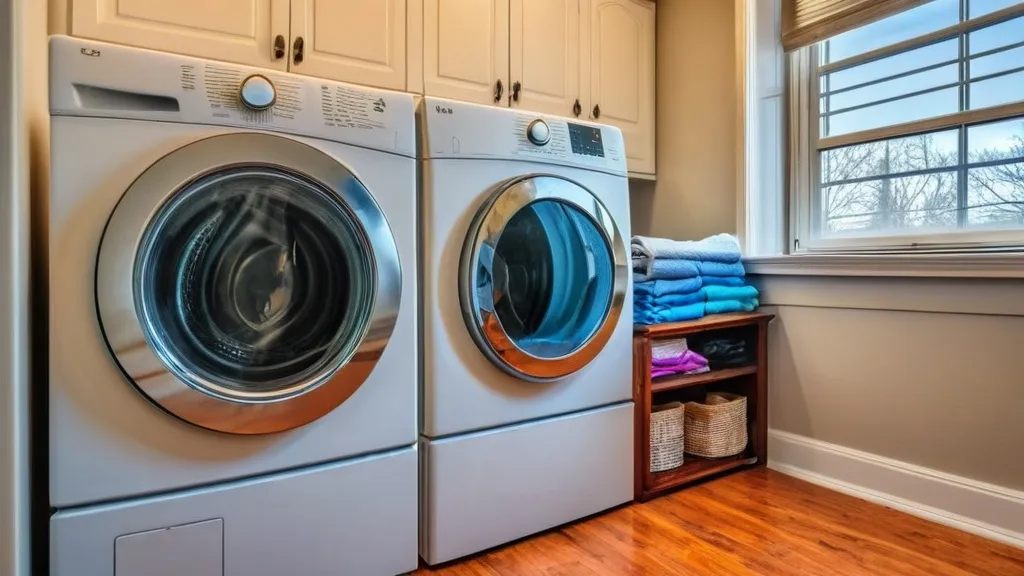
If your LG washing machine is acting up, this guide provides a structured approach to identifying and resolving common issues. Think of troubleshooting as being a detective for your appliance; each symptom is a clue, and the solutions are the deductions.
Table of Contents
Before diving into specific problems, it’s essential to perform some foundational checks. These initial steps can often resolve minor glitches or prevent more significant damage.
Power and Connectivity Issues
A washing machine, like any electrical appliance, needs a stable power supply to function. A lack of power can manifest in various ways, from a complete shutdown to intermittent operation.
No Power to the Washer
If your LG washer displays no signs of life – no lights, no sounds, no response to button presses – the most immediate culprit is the power source.
Checking the Power Cord and Outlet
Inspect the power cord for any visible damage, such as cuts, fraying, or burn marks. Ensure it is securely plugged into both the washing machine and the wall outlet. If the cord appears intact, try plugging another small appliance into the same outlet to confirm it is receiving power. If the outlet is dead, the issue may lie with your home’s electrical system, and you should consult an electrician.
Resetting the Circuit Breaker
Your home’s electrical panel houses circuit breakers or fuses that protect your home from electrical overloads. If a circuit breaker has tripped, it will be in a different position than the other breakers. To reset it, push the breaker firmly to the “off” position and then toggle it back to the “on” position. If the breaker trips again immediately, do not force it, as this indicates a persistent electrical fault that requires professional attention.
Intermittent Power or Unresponsive Controls
Sometimes, a washer may power on but then abruptly shut off or have buttons that don’t respond. This can sometimes be related to power fluctuations or a temporary glitch in the control board.
Performing a Power Cycle
A power cycle is a simple yet effective way to reset the washer’s internal electronics. Unplug the machine from the wall outlet. Wait for at least five minutes. Plug the machine back in. This brief period of disconnection allows any residual power to dissipate, giving the control board a chance to reset.
If you’re experiencing issues with your LG washer and are considering repairs, it’s essential to stay informed about the latest maintenance practices. A related article that can provide valuable insights is titled “Keeping Your Appliances Up to Date: A Comprehensive Guide to Updating Appliance Software.” This resource offers guidance on how to ensure your appliances, including washers, are running efficiently by updating their software. You can read more about it here: Keeping Your Appliances Up to Date.
Water Intake and Drainage Problems
Water is the lifeblood of a washing machine, and issues with its entry or exit are primary sources of malfunction.
Washer Not Filling with Water
This symptom can lead to a cycle that doesn’t start or progresses incorrectly. If the drum remains dry, the wash and rinse phases cannot occur as intended.
Inspecting Water Hoses for Kinks or Blockages
The hoses connecting your washer to the water supply are crucial. Check both the hot and cold water hoses for any kinks or sharp bends that could restrict water flow. Disconnect the hoses from both the wall and the washer